
Your Tablet Is Now a Time Clock
PIN entry or face verification on tablets, phones, or computers you already own. No special hardware, no buddy punching, no app downloads.
Why Timekeep Kiosk
Clock in that just works.
Secure Verification
Employees clock in with a 6-digit PIN. Add face verification for extra security when you need it.
Use What You Have
Any tablet, phone, or computer with a browser becomes a time clock. Set it up in five minutes, start using it immediately.
Built for Rush Hours
Large touch-friendly buttons, employee photos for quick selection, and a clean interface that works even when the store gets busy.
What's included
Everything for hassle-free clock in.
6-Digit PIN Entry
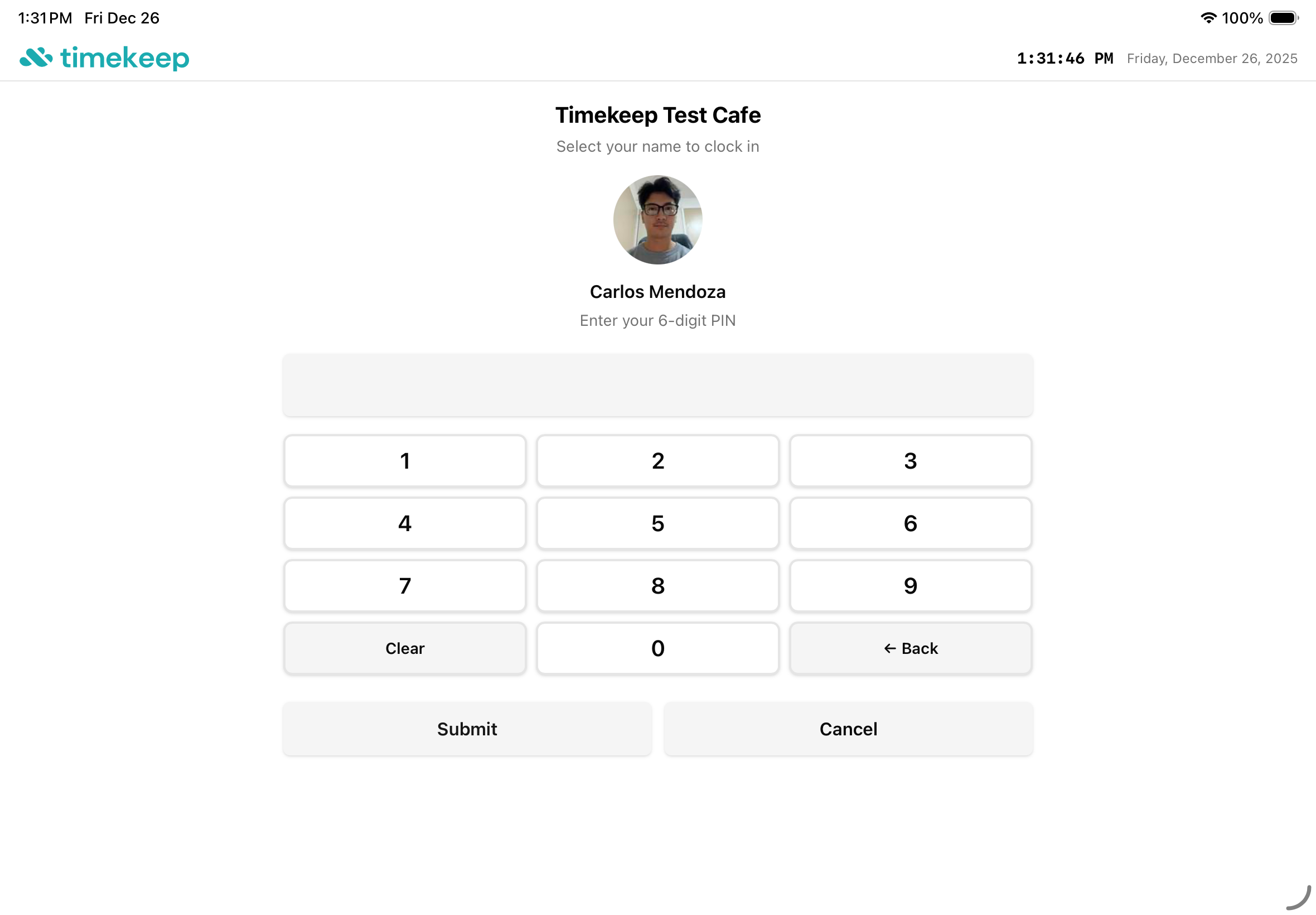
Secure PIN verification with a large numpad designed for touch screens. Fast enough for shift changes.
Face Verification
Camera capture for identity confirmation. Prevents buddy punching and creates an audit trail.
Employee Photos
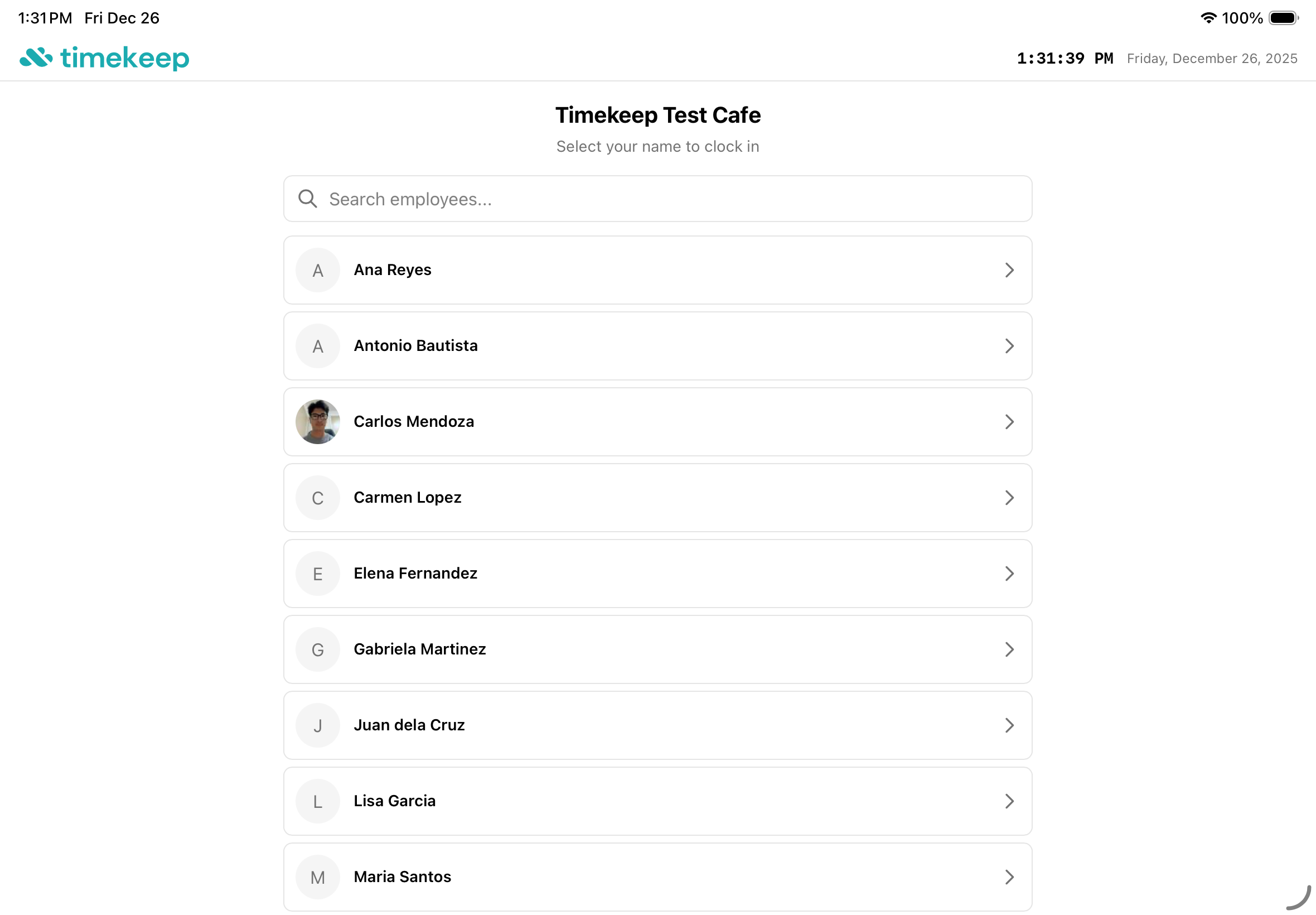
Visual employee list makes it easy to find your name during busy times. Search function for larger teams.
Multi-Location Support
Set up kiosks at different branches. Track which location recorded each time entry for better visibility.
Works Offline Soon
Spotty WiFi or brownouts? No problem. Clock-ins are saved locally and sync automatically when connection returns.
Real-time Sync
Clock-ins appear instantly in your dashboard. No batch uploads, no waiting for data to arrive.
How it works
Three taps to clock in.
Find Your Name
Tap your photo or search by name from the employee list. Visual cards make it easy to find yourself during busy shift changes.
Enter Your PIN
Type your personal 6-digit PIN on the keypad. Quick and secure, just like an ATM.
Face Capture
Optional photo verification for extra security. Creates an audit trail and prevents buddy punching.

Ready to simplify your payroll?
Every payday without Timekeep is another chance for errors. You have nothing to lose with our free trial.